If you're interested in using HearNow, signing up is easy from within your CD Baby account!
Get Started
- You can start by going to through your CD Baby dashboard.
- Select "HearNow" under the "Create" column:
- After clicking HearNow from your CD Baby account dashboard, it will direct you to HearNow and a list of your completed releases.
- In order to select the release you want to use HearNow to promote, click on "Preview" to move forward.
Paying
- You can select monthly or yearly payments.
- By default, it will sign you up for the monthly subscription, but if you would prefer to pay annually, just check the box that says $24.00 and you will sign up with a yearly account instead.
- You can pay using credit card or Paypal.
- If you choose PayPal, you'll be directed to a PayPal landing page to complete the transaction.
- If you choose credit card, you'll enter your information in the provided form, and click the "Create my site!" button to complete the payment.
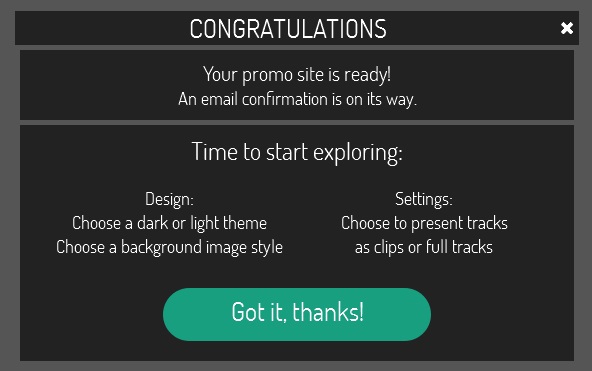
- Finally, you'll be presented with a confirmation window that overlays your site. Click "Got it, thanks!" when you're ready to start editing your site.
- That's it! You're now the proud owner of a HearNow One-Page Website!
- If you would like to know more about what you can do within the site editor check out this article here.
What if I have multiple albums?
- Each HearNow page is designed to display one album. If you have more than one album you want to actively promote, you will need to create a HearNow page for each release.
- However, HearNow does offer Multi-Album Support.
- Multi-Album support links each of those pages together in a slider at the bottom of each of your pages, making it easy for your fans to switch between albums!
- It will look like this 👇
Comments
0 comments
Article is closed for comments.